HOW TO
PLAY
CLEAR MODES
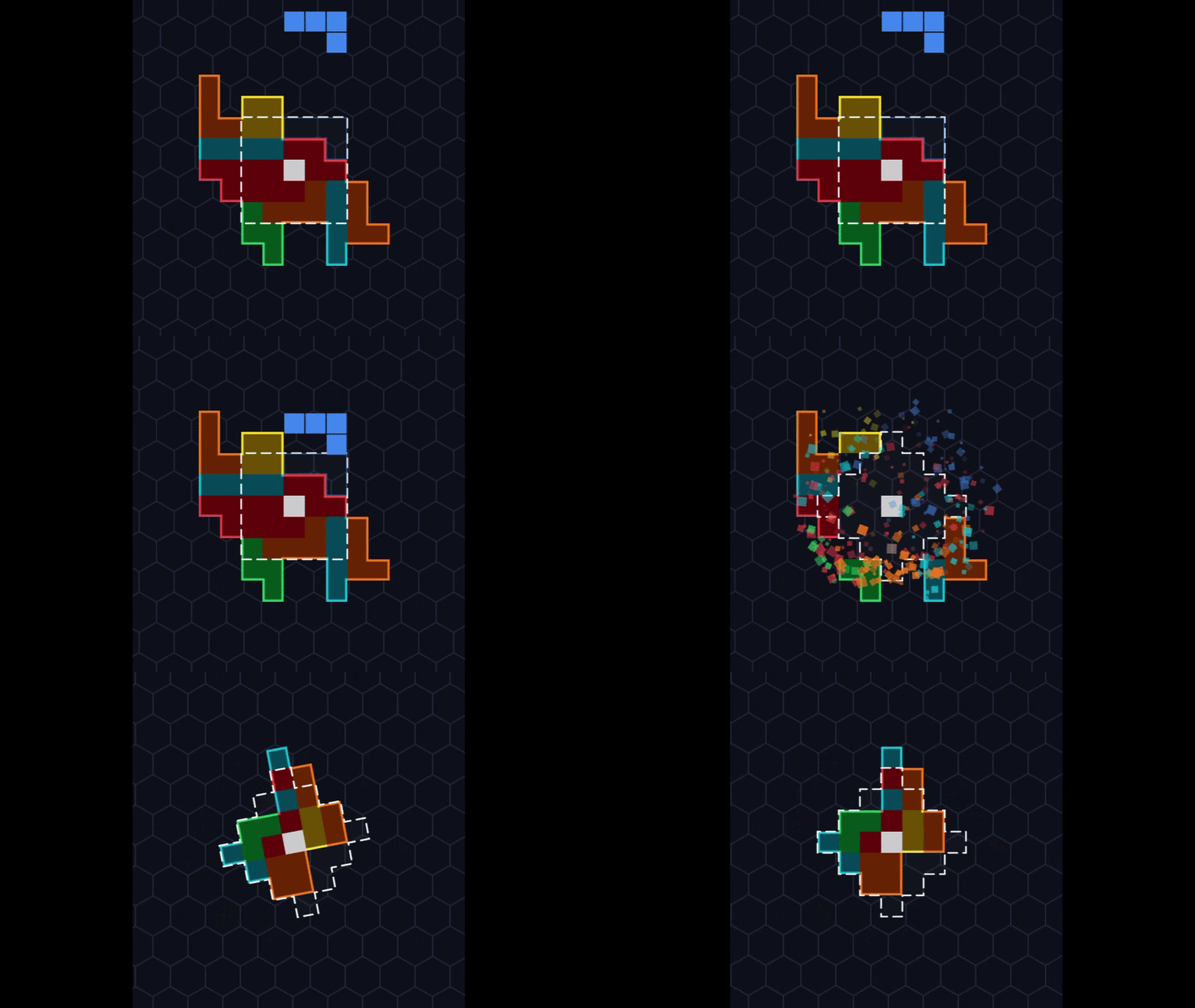
AVALANCHE
Fill the marked target shapes in the center.
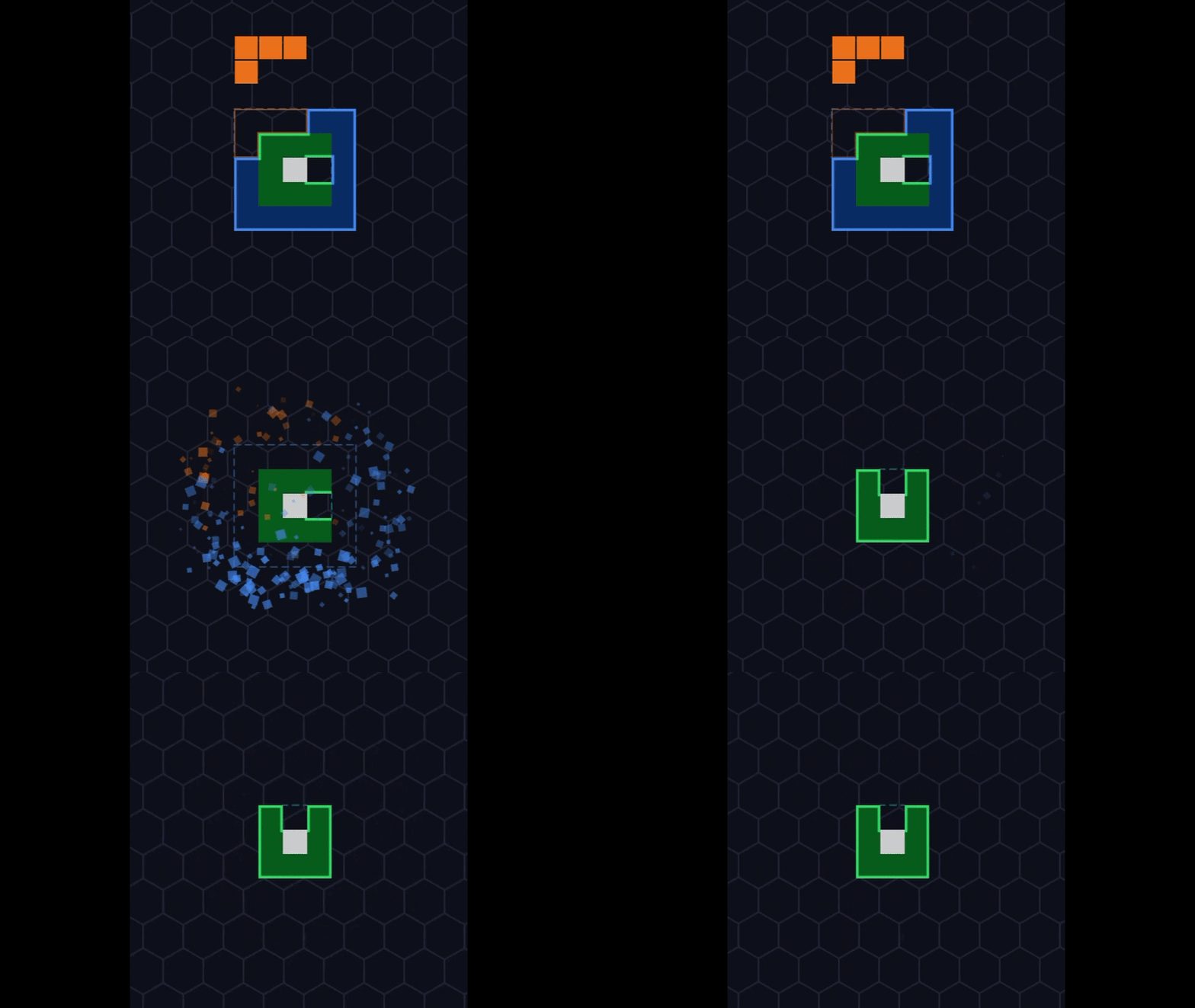
LAYERS
Clear complete rings around the center core.
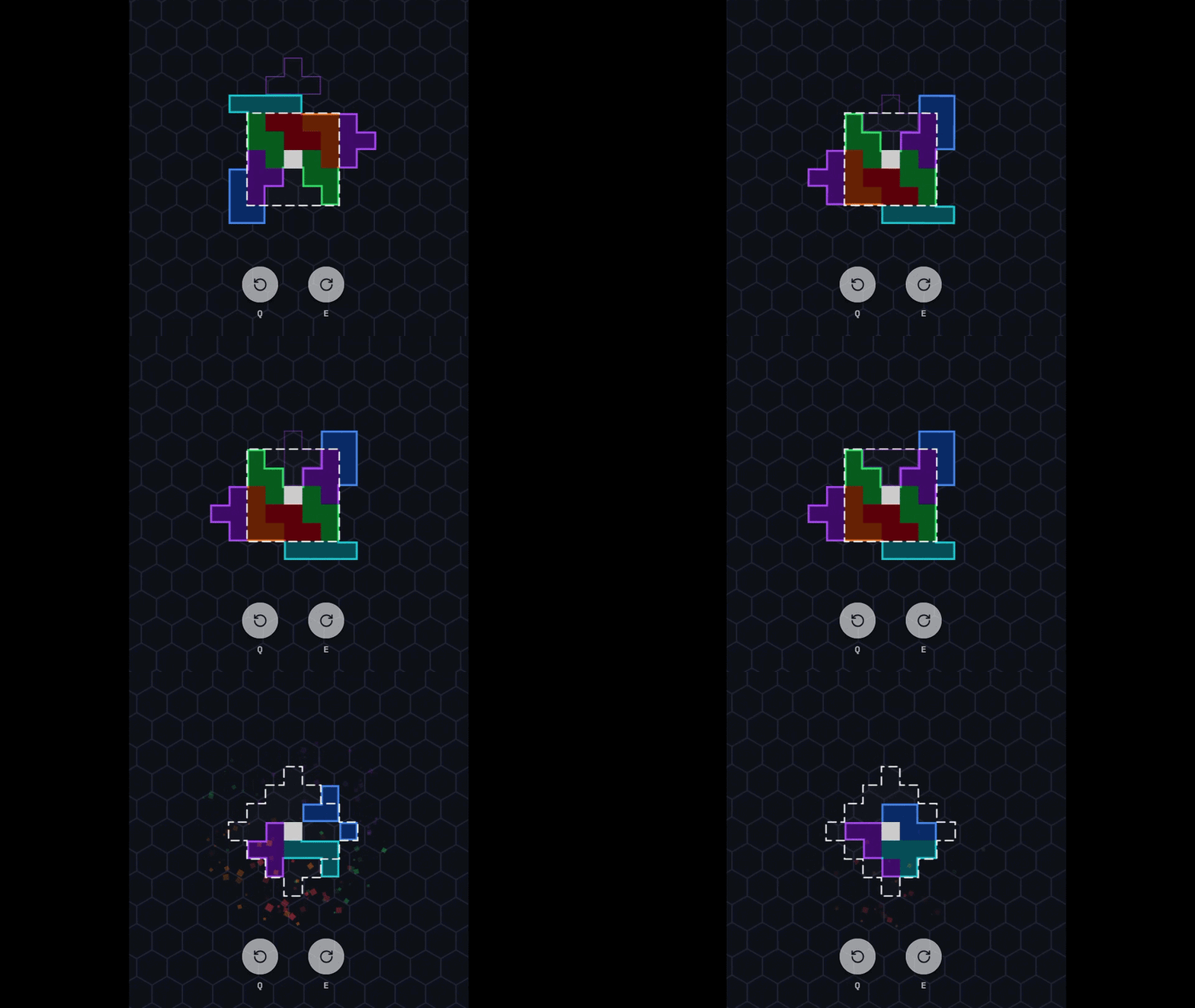
ORBITAL
Rotate the board manually using Q & E keys, or automatically when a piece locks!
»
»
TAP!
Tap screen right to rotate tetromino clockwise
or left to rotate counter-clockwise.
SLIDE!
Slide left and right to move tetromino side to side.
SWIPE!
Swipe down for a Hard Drop.
HOLD & DRAG!
Hold and drag down for a Soft Drop.
A
D
or
←
→
S
or
↓
Space
MOVE & DROP
A/D or Arrows to move. S or Down Arrow for Soft Drop.
Spacebar for a Hard Drop.
W
X
or
↑
↻
Z
↺
ROTATE PIECE
W, X or Up Arrow to rotate clockwise.
Z key to rotate counter-clockwise.
C
HOLD PIECE
Press C to hold or retrieve the active tetromino.
Q
↺
&
E
↻
ROTATE BOARD
Press Q or E to rotate the board manually (Orbital Mode only).